Can customers find you on the map? A simple checklist for local search
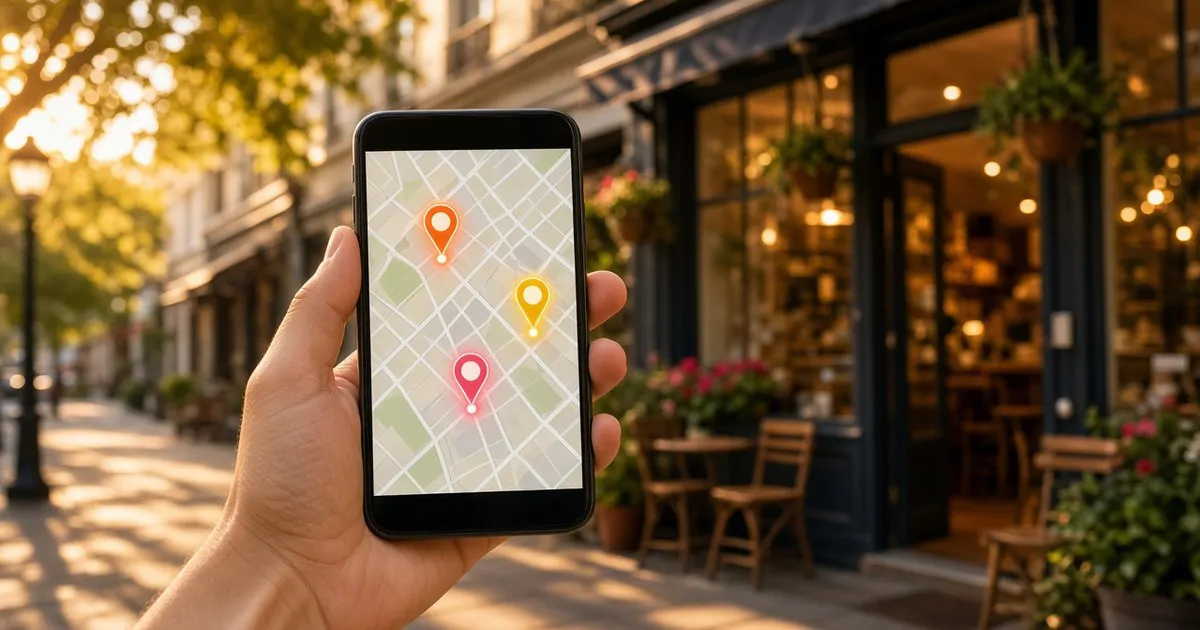
A traveller looking for a good restaurant in a new city, a driver searching "mechanic near me", someone checking how late the corner pharmacy is open: all of them see your map listing before they ever reach your door. That listing is, in practice, your online shop window.
The good news is that most of what improves it is free and needs no developer. The checklist below works for Google Maps and for local map apps your customers use every day, such as Neshan and Balad in Iran.
How do maps decide whom to show?
Google's official Business Profile help says local results are mainly based on three things:
- Relevance: how well your listing matches what the person searched for. The more complete and detailed your info, the better the match.
- Distance: how far your business is from the person searching.
- Prominence: how well known your business is; things like how many reviews and ratings you have play a part.
The same page says plainly that there's no way to request or pay for a better local ranking. So the only path is a complete, living listing.
Seven practical steps
- Claim and verify your listing. If you didn't create your business listing yourself, someone else or the map service probably did. Google says verifying makes your business more likely to show up, and it lets you manage the details yourself.
- Keep name, address and phone identical everywhere. Your business name should read exactly the same on your site, your social pages and every map. One old number or half an address is enough to leave a customer at a closed door.
- Keep opening hours current. Especially for public holidays, Ramadan, Nowruz and special days. "Open" on the map and a locked door in real life is the fastest way to lose trust.
- Pick the precise category. An eco-lodge isn't a hotel, and a book café isn't a bookshop. The right category means you show up for the right searches.
- Add real, recent photos. The outside (so people recognise you from the street), the inside, your main product or service, and your team. Swap dark or dated photos for bright, current ones.
- Reply to reviews, all of them. Thank happy customers, and answer negative reviews calmly, briefly and with a fix. Google notes that replying shows you value feedback. After a good purchase or stay, simply ask customers to leave a review.
- Add the practical details. Parking, wheelchair access, Wi-Fi, card payments, online booking or a website link. These small details are often what tips a customer toward you instead of the shop next door.
A ten-minute monthly habit
Once a month, search your business name on each map and look at the listing as a first-time customer would. Are the hours right? Does the phone get answered? Is any review waiting for a reply? Do the photos still look like you today? That short check keeps your online shop window tidy.
Sources
- "Tips to improve your local ranking on Google", Google Business Profile Help: https://support.google.com/business/answer/7091
Here's hoping the next time a new customer searches for a business like yours, the first thing they see on the map is you. 📍